![Logo_Icon-1.png]](https://support.provision.io/hs-fs/hubfs/Logo_Icon-1.png?height=40&name=Logo_Icon-1.png)
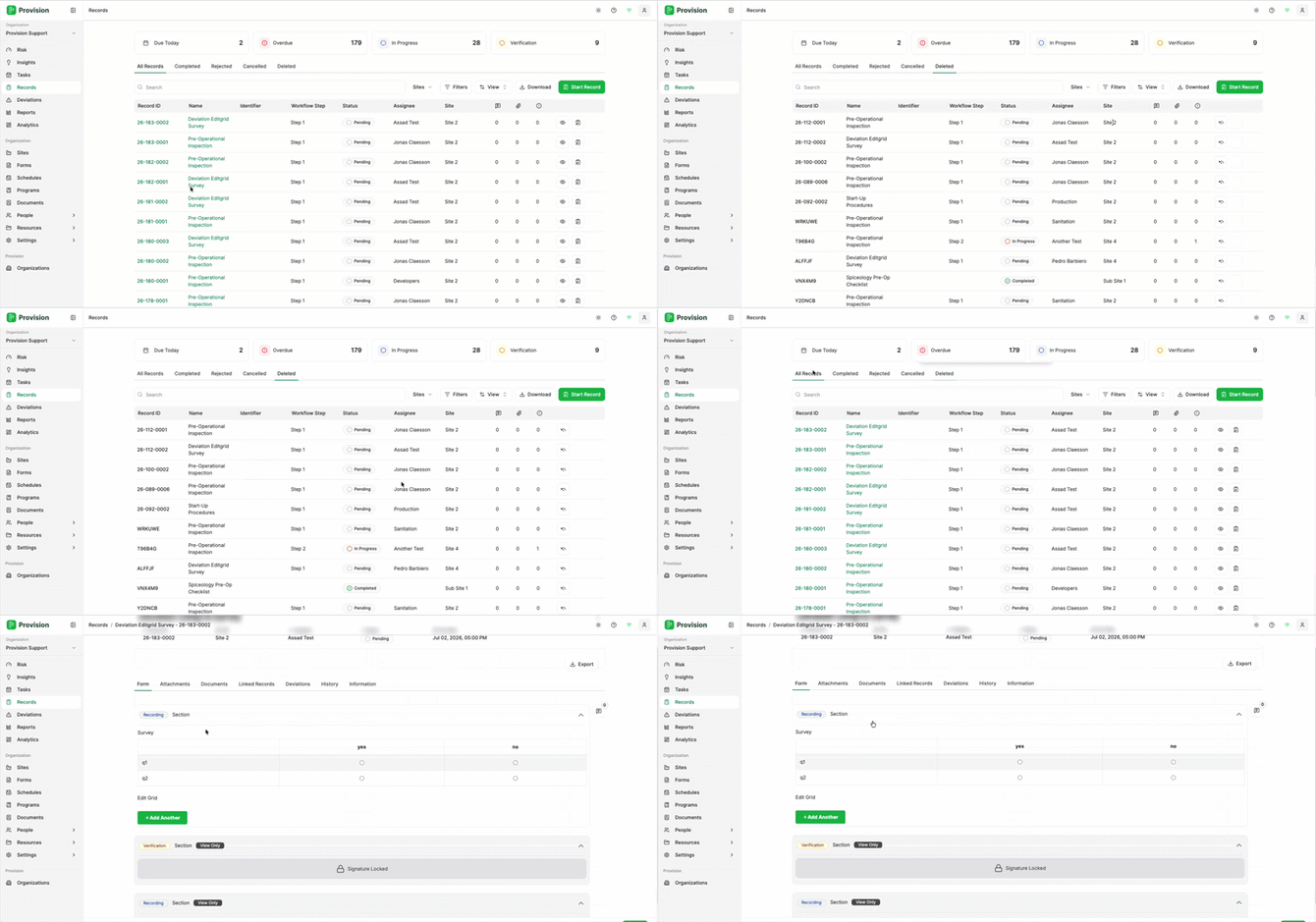
- Navigate to the Records module.
- Select the Deleted tab at the top of the records table.
- Locate the record you want to restore, then click the Restore icon (↩) on the right side of that record's row.
- In the confirmation dialog, select the green Confirm button to complete the restore.
The record will be removed from the Deleted tab and returned to your active records list.