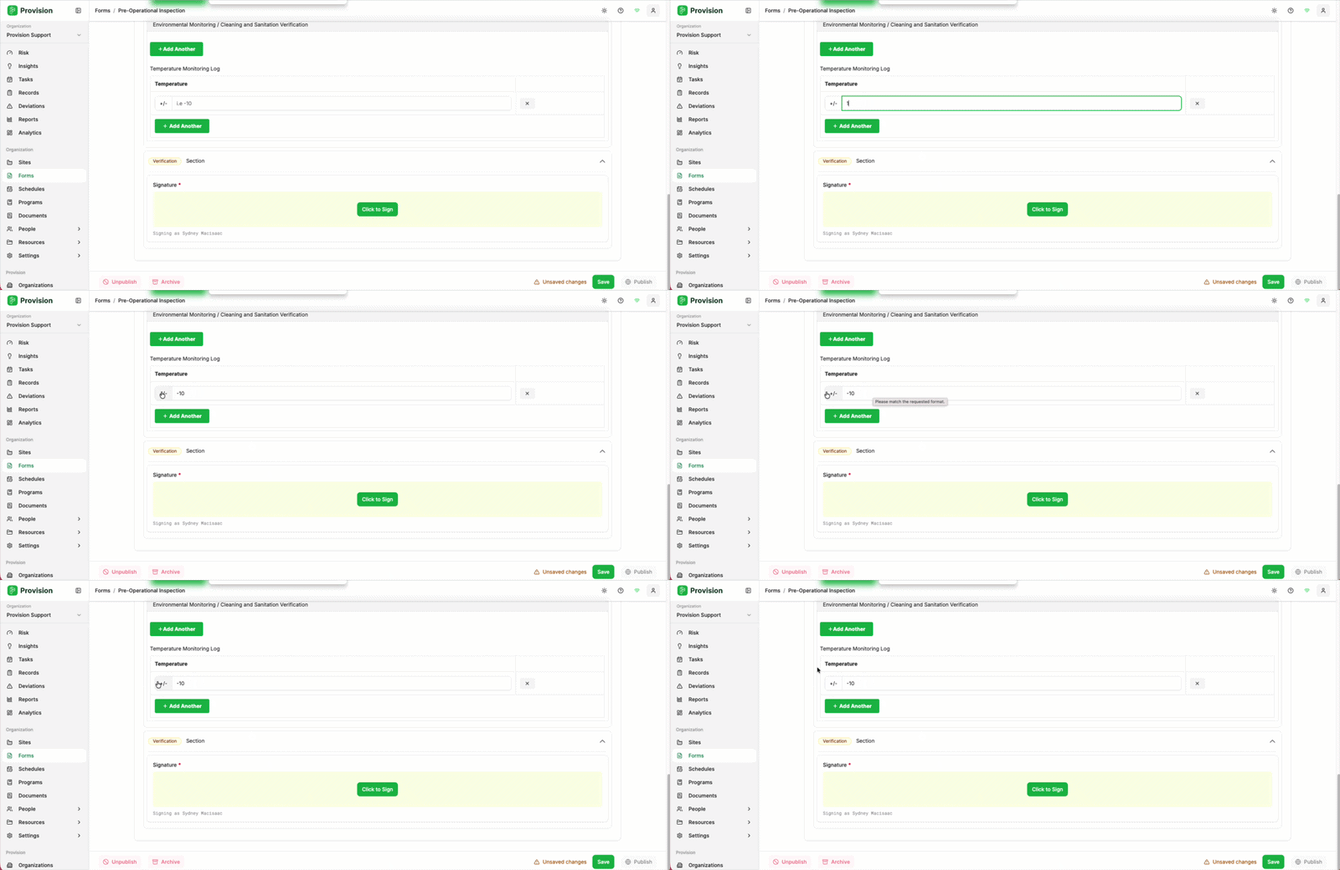
- Click on the number field and type your numeric value (e.g.,
10). - Click the +/- button to the left of the field to convert the value to a negative number.
The field will update to display the negative value (e.g., -10).
![Logo_Icon-1.png]](https://support.provision.io/hs-fs/hubfs/Logo_Icon-1.png?height=40&name=Logo_Icon-1.png)
10).The field will update to display the negative value (e.g., -10).