![Logo_Icon-1.png]](https://support.provision.io/hs-fs/hubfs/Logo_Icon-1.png?height=40&name=Logo_Icon-1.png)
Editing or Updating Versions
-
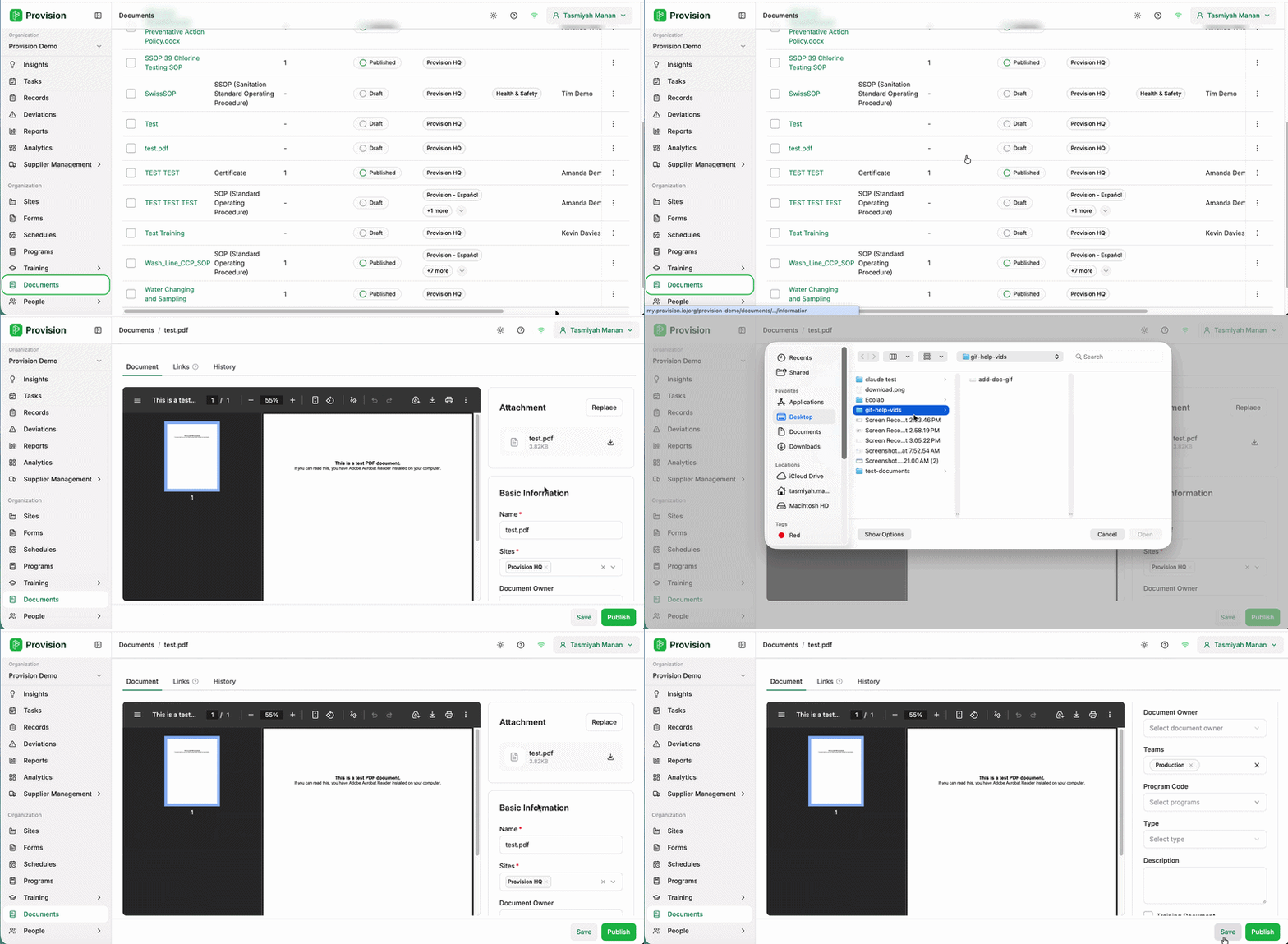
Locate the document in the Documents table and select the three dots at the right-hand end of its row. A menu will appear with two options: Edit and Archive.
-
Select Edit. From here you can replace the file with a newer version and update any of the document's details.
-
Select Save when you are done.
Once saved, select Publish to make the updated document live. You will be prompted to enter a Version number and, if needed, an Expiry Date.